
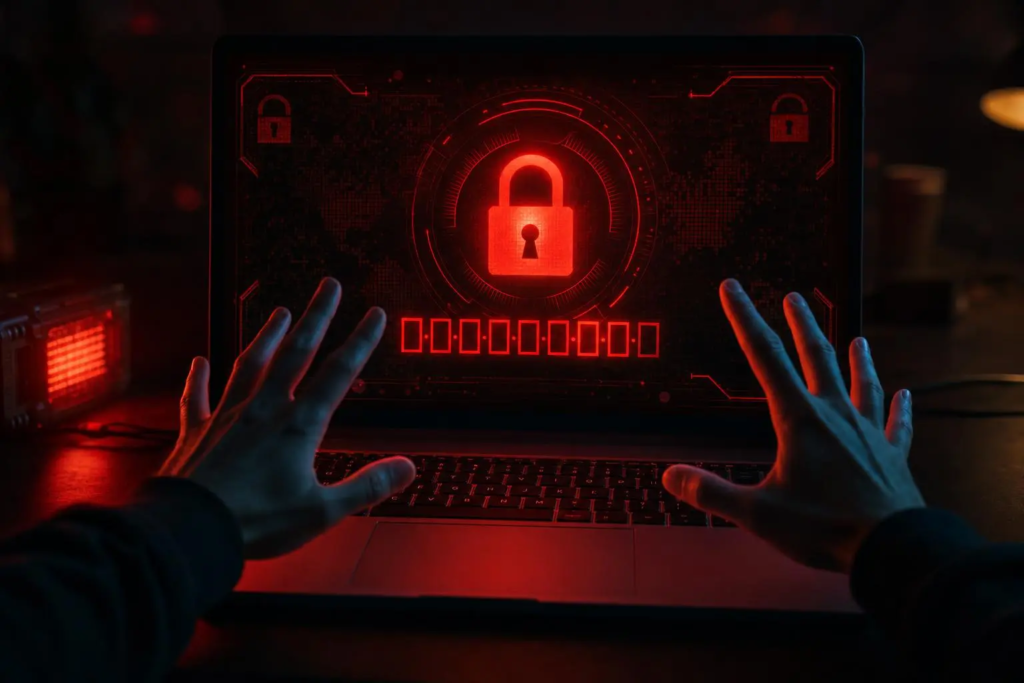
You open your computer one morning and see a message you’ve never seen before. It says your files have been encrypted. It demands payment — usually in Bitcoin — to restore access. It has a countdown timer.
This is ransomware. And it’s not just something that happens to large corporations. Small businesses, medical practices, law firms, and homeowners across Long Island get hit every single day.
Here’s everything you need to know — what it is, how it gets in, what to do if you think you’re infected, and how to protect yourself before it happens.
What Is Ransomware?
Ransomware is a type of malicious software (malware) that encrypts the files on your computer — documents, photos, spreadsheets, databases, everything. Once encrypted, you cannot open or read your own files. The attackers then demand a ransom payment in exchange for the decryption key.
Modern ransomware is frighteningly sophisticated. It doesn’t just encrypt your local files — it can spread across your entire network, encrypt files on network drives and backups, and even delete your shadow copies (Windows automatic backups) before you even realize what’s happening.
The ransom demands range from a few hundred dollars targeting individuals and small businesses up to millions of dollars in attacks against larger organizations.
How Does Ransomware Get In?
Understanding how ransomware enters your system is the most important step in preventing it.
Phishing emails — the #1 method:
An email arrives that looks legitimate — it might appear to come from UPS, your bank, Microsoft, or even a colleague. It contains either a malicious attachment (a Word document, PDF, or ZIP file) or a link to a fake website. One click is all it takes.
These emails are increasingly convincing. Modern phishing attacks are personalized, well-written, and designed to create urgency — “your account has been suspended,” “your package is on hold,” “action required immediately.”
Malicious downloads:
Software downloaded from unofficial sources — pirated programs, fake software cracks, unofficial game modifications — frequently contains malware. Even seemingly legitimate websites can serve malicious ads that attempt to install software.
Remote Desktop Protocol (RDP) attacks:
Businesses that have Remote Desktop enabled on their computers without proper security are a prime target. Attackers scan the internet for exposed RDP ports and try to brute-force their way in. This is extremely common against small businesses.
Unpatched software vulnerabilities:
Outdated operating systems and software have known security holes that attackers exploit. This is why keeping Windows, macOS, and all your software updated is critical — those updates frequently patch security vulnerabilities.
USB drives:
An infected USB drive plugged into your computer can deploy ransomware automatically. Never plug in a USB drive you found somewhere or received unexpectedly in the mail.
Signs You Might Have Ransomware
The obvious sign: A ransom note on your screen — a full-screen message or text files appearing in your folders demanding payment.
Early warning signs before full encryption:
– Your computer is unusually slow for no apparent reason (the ransomware is encrypting files in the background)
– Files you know you saved can’t be opened — strange error messages
– File extensions have changed — a document called “report.docx” is now “report.docx.locked” or has a random extension added
– Your security software has been disabled or is throwing alerts
– You see processes in Task Manager with random names consuming lots of CPU
What to do immediately if you see these signs:
1. Disconnect from the internet immediately — unplug the ethernet cable and turn off WiFi. This can prevent the ransomware from spreading to other devices on your network and from communicating with the attacker’s server.
2. Do NOT turn the computer off — in some cases this can make recovery harder. Leave it on but isolated from the network.
3. Call for professional help immediately.
Should You Pay the Ransom?
The FBI and cybersecurity professionals generally advise against paying the ransom for several reasons:
– There is no guarantee the attackers will provide the decryption key after payment
– Paying signals to attackers that you are willing to pay — you may be targeted again
– Some decryption tools provided by attackers don’t work properly or don’t recover all files
– In some cases, paying may have legal implications
That said, for businesses where the data is critical and there are no backups, the calculus becomes more complicated. This is a situation where having professional guidance before making any decisions is critical.
Can Files Be Recovered Without Paying?
Sometimes, yes — depending on the specific ransomware variant. Resources like nomoreransom.org (run by law enforcement agencies and cybersecurity companies) maintain a free database of decryption tools for known ransomware strains. It’s always worth checking.
If you have recent backups that weren’t connected to your system when the attack happened, recovery is straightforward — restore from backup, clean the infected system, and move on.
This is why the backup strategy matters so much. More on that below.
How to Protect Yourself
Back up your data — properly:
The single most effective defense against ransomware is having recent, offline backups. The backup needs to be either physically disconnected from your system or stored in a cloud service with versioning enabled (so previous versions of files can be restored). A backup drive that’s constantly connected to your computer will be encrypted along with everything else.
We recommend the 3-2-1 rule: 3 copies of your data, on 2 different types of media, with 1 copy offsite or in the cloud.
Keep everything updated:
Windows, macOS, your browser, your Office suite — everything. Enable automatic updates and don’t dismiss update prompts.
Use good email habits:
Never open attachments or click links in emails you weren’t expecting — even if they appear to come from someone you know. When in doubt, call the sender directly to verify before opening anything.
Use endpoint protection:
Windows Defender (built into Windows 10 and 11) is decent protection for home users. For businesses, a more robust endpoint detection and response solution is worth investing in.
Disable RDP if you don’t need it:
If your business uses Remote Desktop, make sure it’s properly secured — behind a VPN, with strong passwords and multi-factor authentication. If you don’t need it, disable it entirely.
Train your staff:
For businesses, your employees are your biggest vulnerability. Regular phishing awareness training — even just a brief conversation about what to watch for — significantly reduces your risk.
We Help East End Businesses Stay Protected
TechCrazies provides cybersecurity setup and managed IT services for small businesses across the Hamptons and East End of Long Island. We can assess your current security posture, set up proper backup systems, configure endpoint protection, and train your team on what to watch for — before something goes wrong.
If you think you might already have an infection or have experienced a ransomware attack, call us immediately.
📞 (631) 446-2220
🌐 techcrazies.com/
We serve Manorville to Montauk, Riverhead to Orient Point — and we come directly to your location.