
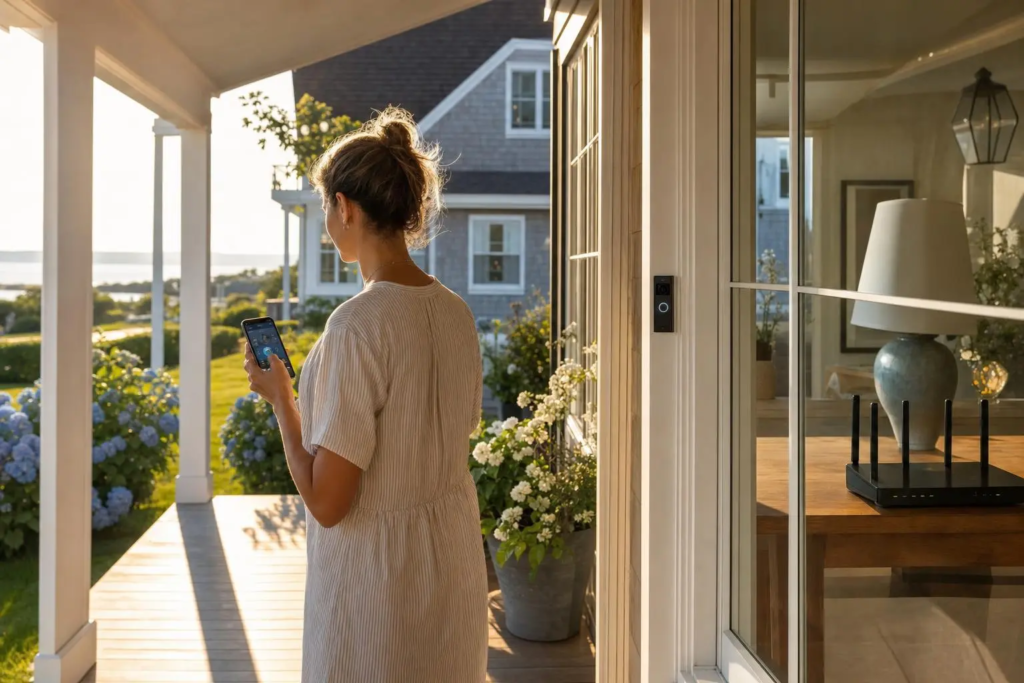
Memorial Day weekend is the unofficial start of the Hamptons season. And every year, the same thing happens — people arrive at their East End homes after months away and spend the first weekend troubleshooting tech problems instead of enjoying themselves.
The router forgot its settings. The Ring doorbell is offline. The smart TV can’t find Netflix. The printer is having an existential crisis.
None of this has to happen. Run through this checklist before you arrive for the season and technology will just work when you get there.
✅ Internet & WiFi
Test your internet speed.
Connect a laptop or phone to your WiFi and run a test at fast.com. If you’re getting significantly less than your plan promises, call your ISP before the season starts — there may be a line issue that’s quick to fix now but impossible to deal with on a busy summer weekend.
Restart your router and modem.
Unplug both from power for 60 seconds, then plug the modem in first, wait 60 seconds, then plug in the router. This alone fixes a surprising number of connectivity issues after months of low use.
Check your WiFi password is current.
Make sure you and your family know it. Write it on a card in the kitchen. Set up a guest network with a simpler password for visitors.
Walk the property and check for dead zones.
Take your phone through every room, the pool area, outdoor entertaining spaces, and any guest cottages or detached structures. Note anywhere the signal drops to one bar or disappears. If you have significant dead zones, a mesh WiFi upgrade or additional access points will fix this permanently.
Check that your router firmware is updated.
Log into your router’s admin page (usually 192.168.1.1 or 192.168.0.1 in your browser) and look for a firmware update option. An updated router is a more secure and reliable router.
✅ Smart Home Devices
Ring / Nest / Arlo doorbell and cameras.
Open the app and verify every camera is online and showing a live feed. Check your motion detection settings — after a winter away you may have adjusted them and forgotten. Make sure notifications are enabled on your phone.
Smart locks.
Test that they work from the app. Update access codes if you share them with contractors or housekeeping staff who no longer need access. Check the battery level — smart locks drain batteries and a dead battery means you’re locked out.
Smart thermostat.
Switch it from “away” or winter mode to your summer schedule. If you have a Nest, update the Home/Away Assist settings to match when you’ll actually be there.
Smart speakers and displays.
Amazon Echo, Google Home, Apple HomePod — make sure they’re online and responding. Re-link any services that may have logged out over winter.
Smart lighting.
Run through each smart bulb or switch and verify they’re connected. Smart lighting schedules often get confused after extended periods of inactivity.
✅ Computers and Devices
Run Windows Update or macOS Software Update.
If any computer in the house has been off for months, it has a significant backlog of security updates waiting. Run updates and let the computer restart fully. This may take a while — plan for it.
Check that antivirus/security software is active and updated.
On Windows, open Windows Security and verify everything shows green. On Mac, verify whatever security software you use is current.
Verify your backup is running.
Open your backup software and check the last backup date. If it’s more than a week old, something isn’t working correctly. Fix this before anything important happens to your files.
Clear browser cache on shared computers.
If multiple family members or guests use a shared computer, clearing accumulated cache and cookies speeds things up and clears out privacy data from previous visits.
✅ Entertainment
Smart TVs and streaming devices.
Turn them on and let them update before your first night — updates can take 20-30 minutes and nobody wants to wait for a software update when they’re ready to watch something. Check that your streaming services (Netflix, HBO Max, Disney+, etc.) are still logged in.
Cable or satellite equipment.
If you have a cable box or satellite receiver, power it on and let it download its guide data. This can take 15-30 minutes after a long period of being off.
Outdoor speakers or audio systems.
Power them on and test the connections. Outdoor audio equipment is particularly susceptible to moisture and wildlife interference over winter.
✅ Security
Change any passwords you shared last summer.
WiFi password, smart lock codes, alarm codes — if you shared these with summer guests, housekeepers, or contractors last season, change them for this season.
Check your home security system.
Test that it’s communicating properly with the monitoring service. Low backup batteries are extremely common after winter — the system should alert you but check anyway.
Review who has access to what.
Smart locks, alarm codes, garage door apps — make a list of who has access and remove anyone who shouldn’t have it anymore.
✅ Have a Plan When Things Go Wrong
Despite the best preparation, things break. The internet goes down at 7pm on a Friday when you have 12 guests arriving. The Ring camera goes offline and you can’t figure out why. The smart TV decides it doesn’t know what WiFi is anymore.
Having a local IT contact you can actually reach makes all the difference. TechCrazies is based on the East End and serves the entire area from Manorville to Montauk, Riverhead to Orient Point. We answer the phone, we respond to texts, and we make house calls — often same day.
Save our number now so you have it when you need it.
📞 (631) 446-2220
🌐 techcrazies.com/
Have a great season.